How to insert captured screenshots into gmail

Posted on
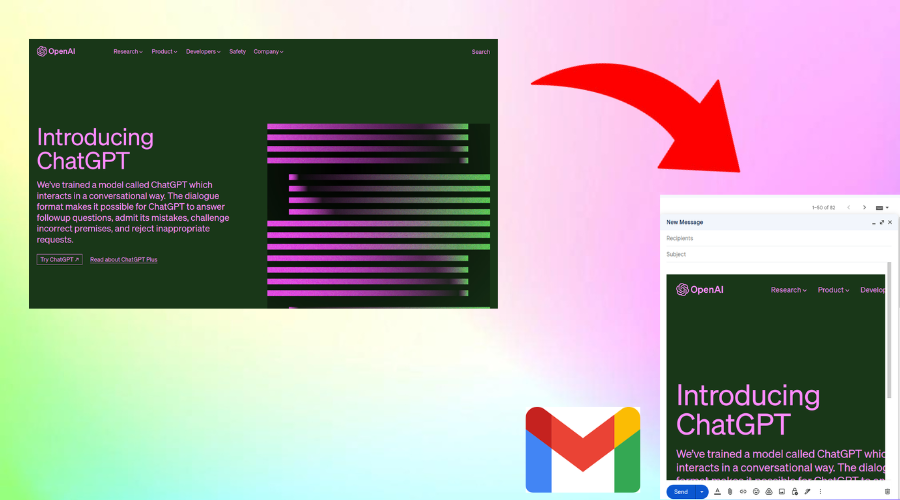
How to insert captured screenshots into gmail
Instashot - full screenshot directly insert captured screenshots into gmail as attachmnet or inline.
I will explain you how to insert screenshot into gmail directly from instashot (no permissions required ).
Capture screenshot
First capture screenshot using instashot chrome extension.
If you don't install instashot yet, open and install Instashot from chrome web store.
After capturing screenshot,Click on export button to open export dialog.
Insert into gmail
Instashot insert screenshot into gmail as attachment or inline mail body.
Click on gmail button to insert screenshot.
Instashot open gmail on new tab and insert screenshot into gmail directly.