5 different way to share screenshots

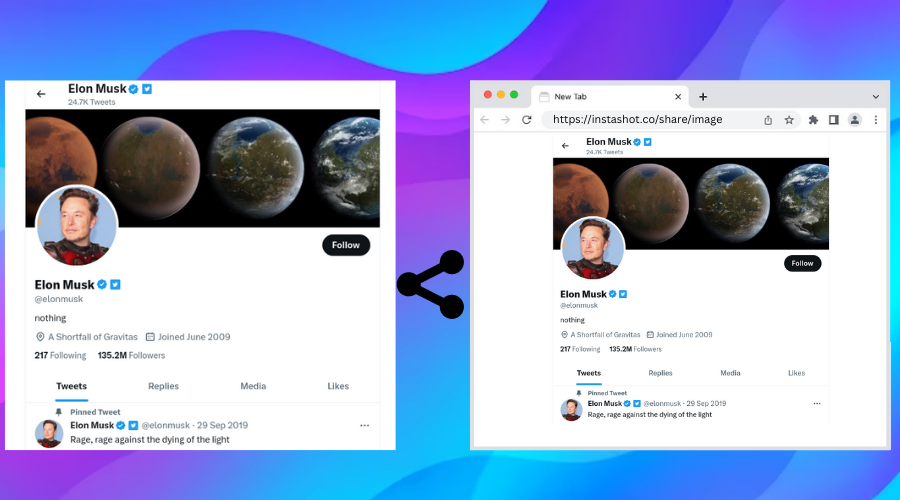
You might need to take a screenshot on your pc for a lot of different reasons.
For example, share articles with friends or update work process to your clients.
While you probably know how to take screenshots on chrome, you might wonder
how to share screenshots with friends in the simple and easy way.
I will explain you 5 different way to share screenshots with others.
Instashot share
After taking screenshot,click on export button to open export dialog.
Click on Share link to generate link of this screenshot.
Generated link will auto-copied to clipboard.
Now, you need to paste link where you want to share screenshot.
If you want to share more than 1 screenshots, open instashot gallery and click on share button.
Read more How to share multiple screenshots at once
Gdrive share
You need to upload screenshots to Gdrive before share.
Open Gdrive site and click on + new button then click on file upload to upload screenshots.
Right click on screenshot to open option menu. Click on Get link option to open share dialog.
Adjust share settings and click on copy link button to get link.
You can share only one screenshot at a time.
If you want to share more than 1 screenshots, use Gphotos or Instashot
Gphotos share
You need to upload screenshots to Gphotos before share.
Open Gdrive site and click on upload button then click on computer to upload screenshots from your os file system.
Check the checkbox to select screenshot then click on share icon to open share dialog.
Click on Create link to generate link
Imgur share
Click on new post to open upload dialog.
Click on Choose Photo/Video to open file picker.
Select multiple screenshots which you want to share.
After uploading,click on Grab link to get link.
paste.pics
Click on browse button to open file picker.
Select screenshot which you want to share.
Paste.pics upload screenshot and generate link for this screenshot.
Copy link to share with others.
You can share only one screenshot at a time.
Paste.Pics will delete screenshot after 14 days.